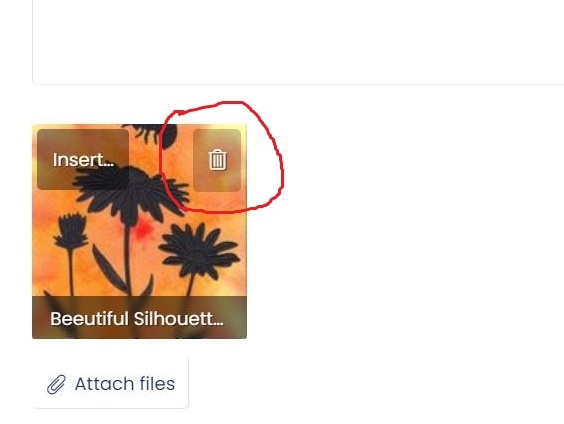
After you click EDIT, the post will show the attached image (with "Insert" on top right and Garbage can on top right). Just click the Garbage can to delete, and your attachment is gone. Then click Save and you're done.
This site uses cookies to help personalise content, tailor your experience and to keep you logged in if you register.
By continuing to use this site, you are consenting to our use of cookies.